How do you create a video ad with Ad Studio?
Ad Studio turns a short description into an ad. It offers product-focused ads or UGC-style ads with an AI-generated creator. It's only available on the Leadpages Optimize and Scale plans.
The essentials in 30 seconds
- Open « Ads »
- Approve the starting image
- Approve the storyboard
- Start the shoot
Avoid: Starting the render without reviewing the storyboard carefully: that's the step that costs credits.
See the details with screenshots ↓Step by step
Screenshots show the interface used in the original guide (Shopify in French, Leadpages in English). In your account, buttons appear in your language.
- 1
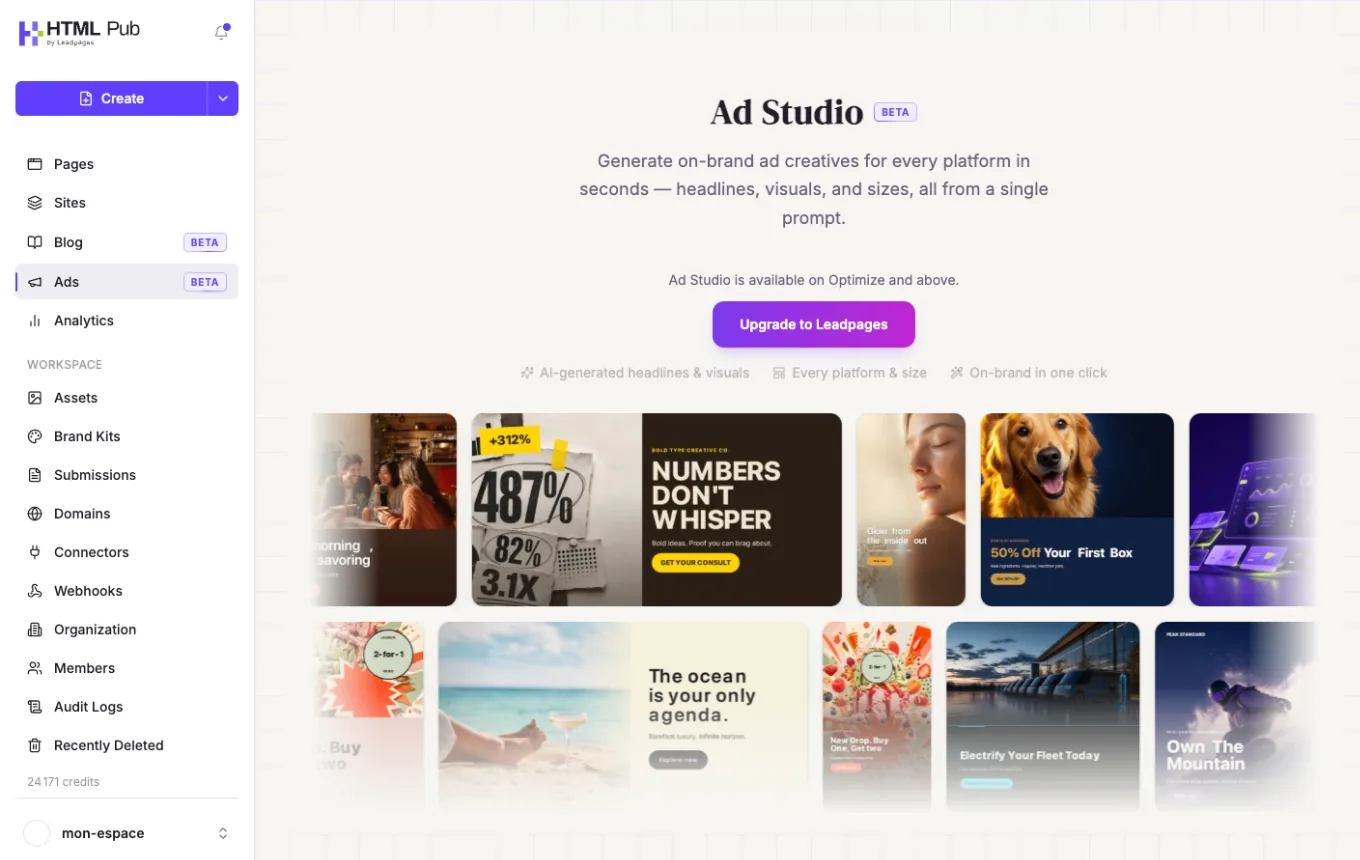
Open « Ads »
In the left menu, click « Ads ». Describe your product, your audience and the style you want: product ad or UGC-style video.
- 2
Approve the starting image
Ad Studio creates an image that sets the scene, the product and the creator. Ask for tweaks: this step doesn't use video credits.
- 3
Approve the storyboard
Review the shots, captions and camera moves that tell the story.
- 4
Start the shoot
Before rendering, a quote shows the number of credits based on the number of shots and the resolution. Approve it to get the final video.
Try it yourself
Every HTML Pub and Leadpages plan has a 7-day free trial, with all features.
Try Leadpages for 7 days ↗Affiliate link: it does not change the price for you.
Common mistakes
- Starting the render without reviewing the storyboard carefully: that's the step that costs credits.
- Being surprised by a video with no music: if the music isn't royalty-free, it's removed.
- Looking for Ad Studio on an HTML Pub plan: you need to move up to Leadpages Optimize.
Official sources
Get the next guides
New Leadpages, HTML Pub and Shopify guides by email, every two weeks. No spam, unsubscribe in one click.